Camera Lens Prompt: A Practical Cheatsheet for Realistic AI Photos
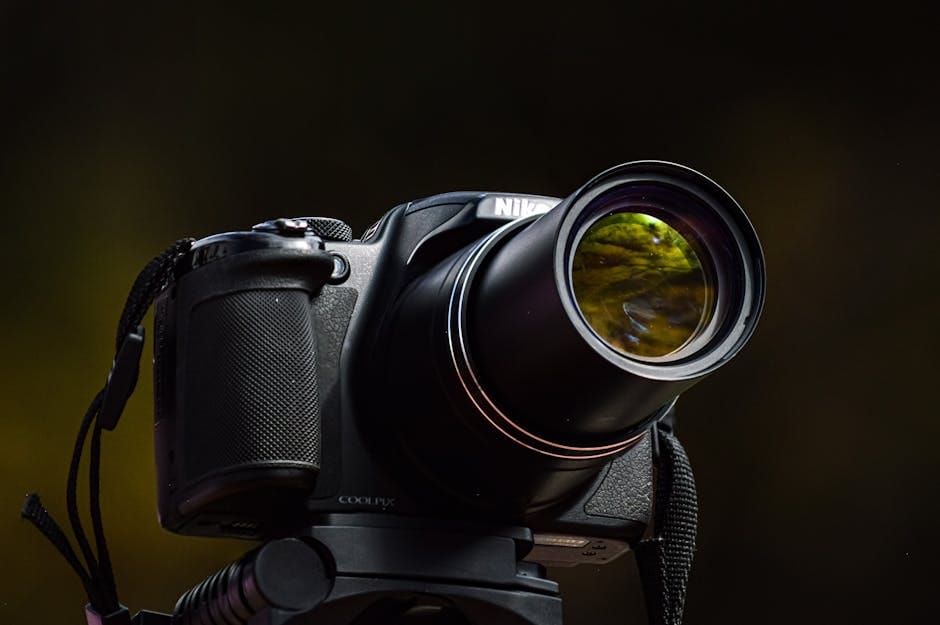
A camera lens prompt fixes more “fake” images than any style word. I learned that after wasting a morning on a “perfect” portrait prompt that still looked wrong. I kept tweaking style adjectives and nothing changed. The moment I added a simple lens line—boom, the face snapped into realism.
So let’s keep this practical. Here’s a camera lens prompt cheatsheet (24mm–85mm), when each focal length fails, and a short template you can reuse.
Camera lens prompt framework (what actually changes)
Lens choice changes compression, distortion, and background feel. That’s why your AI portrait looks off even with “photorealistic” in the prompt.
If you want the formal definition, here’s the boring truth about focal length. But you don’t need the theory—you need the cheat sheet.
The cheatsheet (full‑frame as default)
24mm — wide, environmental
- Use for: architecture, interiors, street scenes
- Breaks when: faces are too close (stretched)
- Prompt snippet: “shot on a full‑frame DSLR, 24mm lens, f/2.8, natural light”
35mm — natural but cinematic
- Use for: lifestyle, documentary, people in context
- Breaks when: background gets noisy or distracting
- Prompt snippet: “35mm lens, f/2, shallow depth of field, street photography”
50mm — neutral, classic
- Use for: portraits, product shots, general realism
- Breaks when: lighting is weak (looks flat)
- Prompt snippet: “50mm lens, f/1.8, soft window light”
85mm — portrait compression
- Use for: headshots, clean backgrounds
- Breaks when: bokeh gets too “soap bubble”
- Prompt snippet: “85mm lens, f/1.4, creamy bokeh, studio portrait”
The simple structure I use (copy/paste)
- Subject + action: “a person reading near a window”
- Camera + lens: “shot on a full‑frame DSLR, 50mm lens”
- Aperture: “f/1.8, shallow depth of field”
- Lighting: “soft natural light, diffused”
- Quality flags: “high detail, realistic skin texture”
Common mistakes (and how to avoid them)
- Using wide lenses for close‑up faces (24mm will distort).
- Going too shallow on depth of field (fake bokeh).
- Skipping the light description (the model improvises badly).
- Using “85mm + f/1.2” on everything (it looks fake fast).
Quick test (10 minutes)
- Generate the same scene at 35mm, 50mm, and 85mm.
- Pick which one looks most real.
- Save that as your default lens for similar shots.
What this looks like in practice
Say you’re making a founder portrait for a landing page. If you use 24mm, the face stretches and feels wrong. Swap to 50mm with soft window light and the face snaps into realism. Same prompt, different lens, totally different credibility.
This is why modern image workflows lock lens + light early. It prevents prompt drift and makes iterative edits predictable.
Why this works (the boring explanation)
A camera lens prompt forces the model to commit to a perspective. Without it, you get a generic “AI camera.” With it, the model locks into a photographic language. Again, the boring definition helps once: focal length.
Related resources (internal)
If you want the full system, start here: Prompt Engineering for Image Models. And if you want copy/paste templates: 50 Photorealistic Prompt Templates.
Tools & references
Let’s make this practical
Pick one lens from the list and run 5 tests today. If it helps, share this guide with a friend who keeps getting “fake” faces—and connect with me on LinkedIn: Victor Freitas.