Generative Video Consistency: A Practical Workflow to Control Style Drift
Generative video consistency sounds solved in launch demos, but production teams still lose hours to style drift between shots. If you need outputs that can survive client review and iteration, you need a style library workflow that is testable, versioned, and slightly boring by design.
This is a practical, skeptical guide for people who already generate video and are tired of “looks good once” results. We’ll define drift, explain why it happens, and then build a repeatable workflow grounded in references, constraints, versioning, and tests. The goal is not cinematic perfection; the goal is predictable outputs you can ship.
What style drift is (and why teams feel it late)
Style drift is the slow loss of visual identity across generations: the character face mutates, wardrobe changes tone, lens feel shifts, color grading jumps, motion cadence changes, or environments “reinterpret” themselves between clips. You don’t notice it in isolated shots. You notice it when you cut a sequence and everything feels like different productions stitched together.
Most teams detect drift late because review happens at the edit stage, not during generation. By then, every fix is expensive: rerenders, re-edits, and timeline reshuffles. A better approach is to treat style as a system and run small consistency checks during generation, not after assembly.
Why drift happens in generative video pipelines
- Too many free variables: prompts are descriptive but unconstrained, so the model improvises each run.
- Reference ambiguity: teams mix references with conflicting eras, palettes, framing, or lighting logic.
- No version control: prompt snippets and negative prompts change silently, so reproducibility disappears.
- Long-shot fragility: longer clips compound motion and identity errors.
- Weak acceptance criteria: “looks good” is not a test; it’s an opinion.
If this sounds familiar, you’re not alone. Even image-first workflows show the same pattern, which is why this older post on character consistency in AI images is still relevant: stable identity requires explicit constraints, not better adjectives.
A repeatable generative video consistency workflow
Below is a workflow you can run in one week and keep using. It ties directly to practical style libraries instead of one-off prompting.
1) Build a reference pack with roles
- Anchor references (3–5): non-negotiable look targets.
- Range references (4–8): acceptable variation boundaries.
- Anti-references (3–5): visuals you explicitly want to avoid.
Label each reference by what it controls: lighting, lens behavior, composition density, texture, motion energy. If a reference has no role, remove it.
2) Encode constraints as a style library
Your style library should be machine-usable, not just a PDF. Keep a small repository with: prompt base, negative constraints, camera defaults, color ranges, and approved reference IDs. If your team already uses design tokens for UI, map naming conventions so creative and product teams speak the same language.
3) Version every change (prompts, refs, model settings)
Use semantic versions for the library (for example, [email protected]). Log what changed and why: “updated negative constraints for hand artifacts,” “removed reference R07 due to warm cast drift.” Without change logs, you can’t debug regressions.
4) Run short consistency tests before full production
- Create a fixed 6-shot test harness (identity, turn, prop action, scene shift, close-up motion, text stress).
- Run 5–10 generations per shot with unchanged settings.
- Score each output with pass/fail checks for identity, palette, camera feel, and motion coherence.
Track failure rate per category. If one category fails consistently, update the style library first, then retest. Don’t brute-force with random prompt edits.
5) Promote only tested library versions
Production should only use tested versions. This sounds strict, but it prevents “quick tweaks” from contaminating active timelines. Fast teams are not the ones who skip controls; they’re the ones who avoid rework loops.
Common failure modes and practical fixes
- Identity drift after scene changes: keep one canonical anchor frame and reinforce wardrobe/accessory constraints.
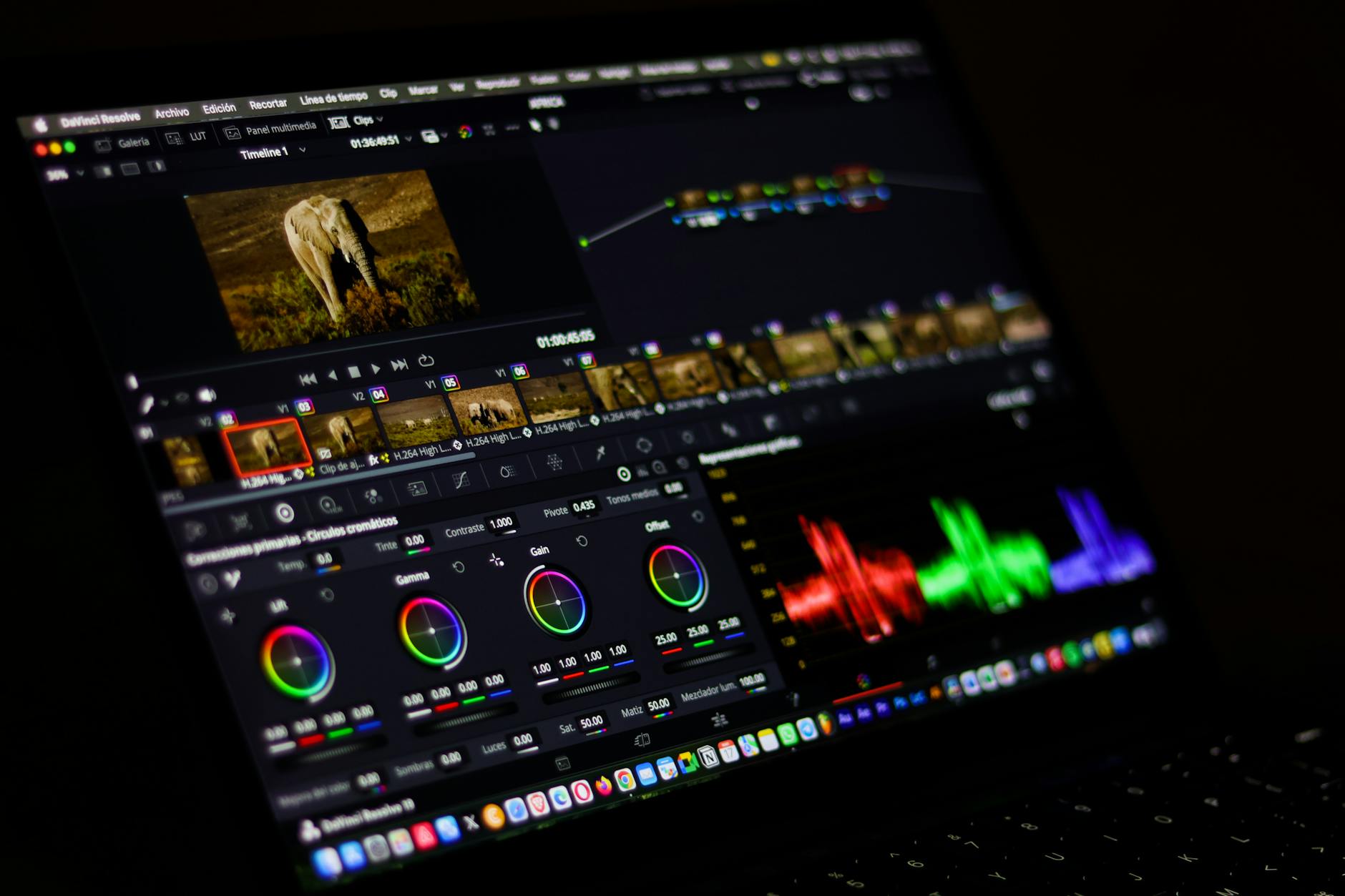
- Color drift between clips: narrow palette ranges and apply post-pass normalization LUTs when needed.
- Camera language instability: lock shot grammar (lens feel + movement verbs) and ban mixed cinematic terms.
- Hand/object artifacts in action shots: shorten action duration and use cut-based assembly over long single takes.
- Team inconsistency: centralize style snippets and stop copying ad hoc prompt variants in chat threads.
Action checklist you can run this week
- Create a versioned style library folder with references, constraints, and test harness.
- Tag references as anchor/range/anti and remove untagged images.
- Define 4–6 acceptance checks (identity, color, camera, motion, text).
- Run 10 harness iterations and calculate failure rates.
- Update one constraint set, rerun tests, and compare before/after.
- Approve one library version for production and freeze it for current edits.
What to log in every test run (so improvements are real)
Most teams break their own evaluation because they don’t log enough context. If you only save the final clip, you can’t explain why quality changed. Keep a tiny run log with model version, generation settings, exact prompt snippets, reference IDs, style library version, and reviewer decision. This takes minutes and saves days of confusion.
Also separate generation quality from editing quality. If an editor rescues weak generations with heavy post work, note that explicitly. Otherwise your team will credit the style library for gains that came from manual cleanup, and future estimates will be wrong.
Finally, track false positives in your checks. A clip can fail a strict palette rule and still work in context. Keep those notes so constraints evolve from evidence, not opinion. Over time, your tests become sharper and less bureaucratic.
Tools & references
- NIST AI Risk Management Framework: https://www.nist.gov/itl/ai-risk-management-framework
- C2PA specification (content provenance context): https://c2pa.org/specifications/
- FFmpeg documentation (repeatable clip processing): https://ffmpeg.org/documentation.html
If you’re implementing a style library for video and want a pragmatic second opinion on your constraints and test harness, connect with me on LinkedIn: https://www.linkedin.com/in/victorpfreitas/.